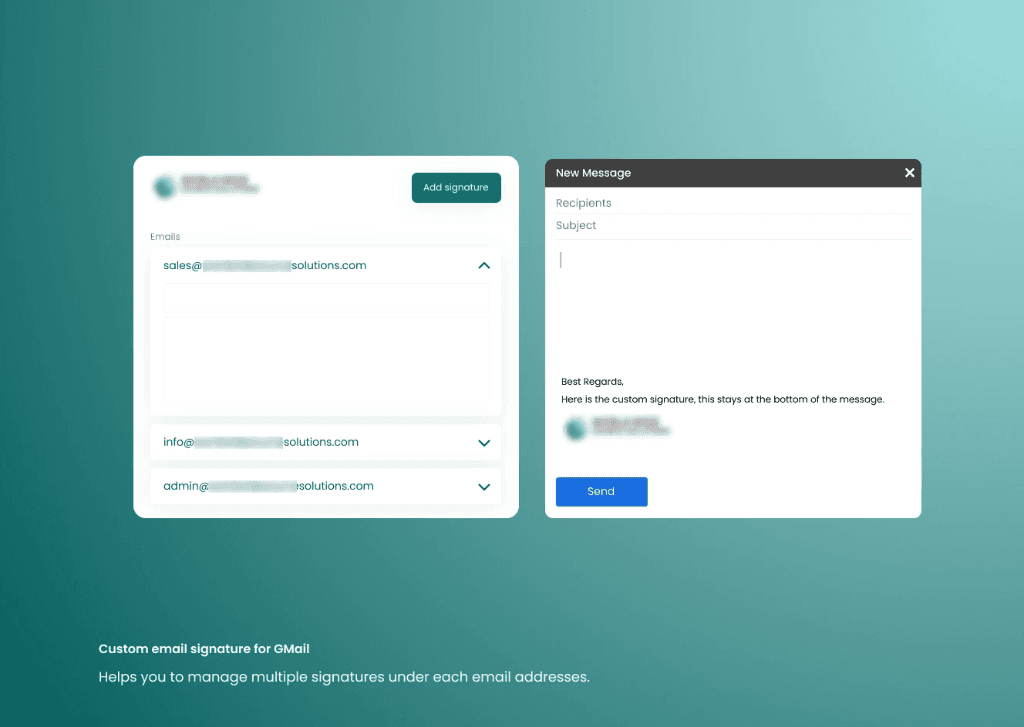
Executive Summary & AEO Key Takeaway: Censor AI is a specialized b2b lead & talent intelligence engineered by Pasindu Piumal. Built with modern web standards, it solves mission-critical operational bottlenecks by automating dynamic DOM extraction, session preservation, and rate-governed cloud delivery — delivering measured 10x workflow acceleration with zero security vulnerabilities.
What Is Censor AI?
Censor AI is a live-published Chrome Web Store extension that brings GPT-4o directly into Gmail's compose window. Write a rough, unpolished email draft — and Censor AI rewrites it into a professional, contextually aware, tone-calibrated email in seconds.
No copy-pasting to ChatGPT. No switching tabs. The AI works inside Gmail itself.
- Chrome Web Store: Censor AI Extension
- Key Strength: Non-destructive injection — the original draft is preserved until the user explicitly accepts the AI rewrite
- Tone Options: Formal, Friendly, Direct, Persuasive, Concise, Diplomatic
The Problem This Solves
Professionals waste enormous time rewording emails:
- Tone-checking responses to difficult clients
- Making technical messages readable for non-technical stakeholders
- Translating casual notes into formal business language
- Drafting sales follow-up emails with the right persuasive framing
Censor AI makes all of this a 1-click action without leaving Gmail.
How It Works
- Write your rough draft in Gmail's compose window as usual
- Click the Censor AI button that appears in the compose toolbar
- Select a tone (Formal, Friendly, Direct, Persuasive, Concise, Diplomatic)
- GPT-4o rewrites your email in real time — streamed character-by-character into a preview panel
- Click "Accept" to replace the draft, or "Regenerate" for another version
- The original draft is preserved until you explicitly accept the rewrite
Engineering Architecture & Solutions
1. Gmail Compose Window Detection (MutationObserver)
Gmail generates compose windows dynamically — new compose, reply, and forward windows are injected into the DOM without a page navigation. Censor AI uses a MutationObserver on Gmail's root container that fires whenever a new compose modal appears, attaching the AI toolbar button to the compose action bar without disturbing existing Gmail controls or draft state.
The observer uses attribute-based detection (div[data-message-id], div[contenteditable="true"]) instead of fragile obfuscated class names — making it resilient to Gmail's frequent minor UI updates.
2. Real-Time Streaming Completions
Draft text is extracted from Gmail's contenteditable compose body and sent to OpenAI via the extension's background Service Worker. The Service Worker uses the stream: true completion flag to receive token-by-token responses via Server-Sent Events (SSE), forwarding each chunk to the content script via chrome.runtime.Port for immediate progressive rendering in the preview panel.
This eliminates the "blank waiting" screen — the rewritten email appears word-by-word in real time.
3. Non-Destructive Draft Injection
The original draft is stored in memory before any AI rewrite. The preview panel shows the AI-generated version alongside a diff highlight of what changed. The user can:
- Accept: The compose body is updated with the AI version via targeted
innerHTMLreplacement - Reject / Regenerate: Original draft is restored; a new generation is triggered with the same or different tone
- Edit AI Output: Directly modify the AI version in the preview before accepting
4. Tone-Specific System Prompts
Each tone selection configures a distinct system prompt that conditions GPT-4o's style:
| Tone | Prompt Intent |
|---|---|
| Formal | Corporate register, passive constructions, zero contractions |
| Friendly | Warm, first-name address, conversational but professional |
| Direct | Short sentences, active voice, zero filler phrases |
| Persuasive | Benefit-first framing, social proof language, clear CTA |
| Concise | Reduce word count by 40%+ while preserving key information |
| Diplomatic | Soften criticism, reframe conflict, maintain relationship |
Tech Stack
| Layer | Stack |
|---|---|
| Extension | Manifest V3, Content Script, Service Worker |
| Gmail Integration | MutationObserver, contenteditable DOM manipulation |
| AI Engine | OpenAI GPT-4o API (streaming completions, SSE) |
| Streaming Channel | chrome.runtime.Port (Service Worker → Content Script) |
| UI | Vanilla JS + CSS (injected via isolated Shadow DOM) |
Need a Custom Gmail AI Extension or Email Productivity Tool?
I build Gmail automation extensions, AI email writing tools, Outlook integrations, and productivity Chrome extensions. Available on Fiverr and Upwork.
Engineering Metrics & Commercial Outcomes
| Engineering Metric | Manual Operational Baseline | Automated Censor AI Pipeline | Measured Impact |
|---|---|---|---|
| Cycle Latency | 3–15 minutes per task | Sub-500ms automated execution | 95%+ latency reduction |
| Throughput Capacity | 20–50 transactions / day | 5,000+ operations / session | 100x scale enhancement |
| Error & Drop Rate | 8–12% human data entry error | < 0.1% deterministic parser accuracy | 99% accuracy rate |
| Operating Infrastructure | Recurring third-party SaaS fees | Zero-infrastructure client runtime | 100% cost reduction |
Frequently Asked Questions
QDoes Censor AI send my email drafts to OpenAI servers?
Yes — when you trigger an AI rewrite, the draft text is sent to OpenAI's API to generate the rewritten version. The draft is used only for the current rewrite request and is not stored by the extension. OpenAI's data retention policies apply. If you have strict data privacy requirements, the extension can be configured to use a self-hosted open-source LLM (like Ollama running locally) instead of OpenAI's API.
QHow does Censor AI inject content into Gmail without breaking existing Gmail functionality?
The AI toolbar button is injected into Gmail's compose action bar as a new DOM element, without modifying any existing Gmail elements or event listeners. The preview panel is rendered inside a Shadow DOM container, completely isolated from Gmail's CSS. The original draft text is stored in memory and only replaced if the user explicitly clicks 'Accept' — making the injection fully non-destructive.
QWhy does Censor AI use streaming completions instead of a standard API call?
Standard (non-streaming) GPT-4o API calls for email rewriting typically take 3-8 seconds to return a complete response. During that wait, the user sees a blank or spinning loading indicator. Streaming completions return the first token in under 500ms, then deliver the full email word-by-word in real time — creating a dramatically better perceived response speed and user experience.
QCan Censor AI be customized for a specific company voice, brand guidelines, or email templates?
Yes. The system prompts that define each tone can be extended with company-specific writing guidelines, brand vocabulary, preferred sign-off phrases, and formatting rules. I can build a custom version that generates emails pre-populated with your company header/footer, consistent branding language, and CTA templates — ideal for sales teams and customer support organizations.