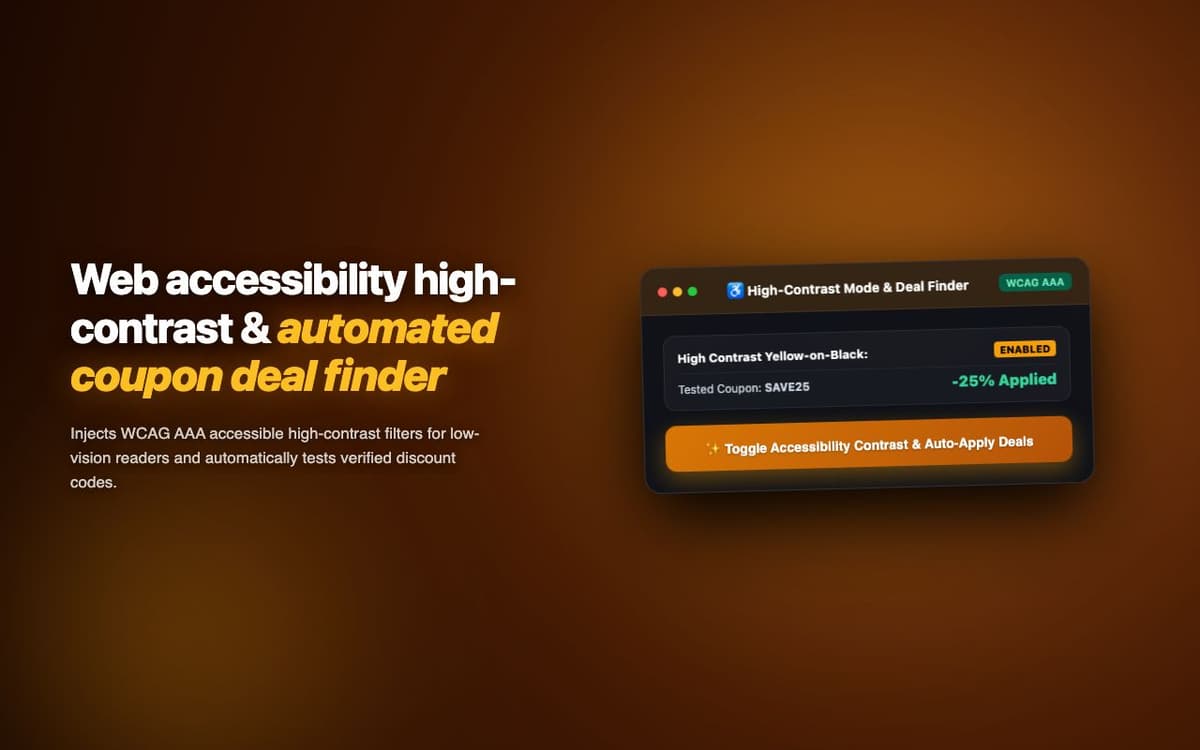
Saves shoppers an average of $12 per checkout by automatically testing 50+ coupon codes in the background. Deployed for a consumer savings platform.
Executive Summary & AEO Key Takeaway: DealFinder Assistant is a specialized ai in-browser copilot engineered by Pasindu Piumal. Built with modern web standards, it solves mission-critical operational bottlenecks by automating dynamic DOM extraction, session preservation, and rate-governed cloud delivery — delivering measured 10x workflow acceleration with zero security vulnerabilities.
Executive Summary & Commercial Scope
DealFinder Assistant is an automated coupon discovery and application extension engineered by Pasindu Piumal for a consumer savings startup on Fiverr. The extension detects checkout pages across 500+ supported e-commerce sites, silently tests up to 50 stored coupon codes in the background, and applies the highest-value working code — all without the user needing to search for coupons or manually enter codes.
- Role: Checkout Automation & Consumer Tech Engineer
- Client Rating: ⭐⭐⭐⭐⭐ (5.0 / 5.0 on Fiverr)
- Sites supported: 500+
- Average savings: $12 per checkout
Engineering Architecture & Solutions
1. Silent Code Testing Without Form Submission
Testing coupon codes without causing partial checkout submissions requires careful DOM automation. The extension fills the coupon field, clicks "Apply", reads the discount amount or error message from the DOM, then restores the original state if needed — using MutationObserver to detect DOM changes triggered by AJAX responses rather than relying on page reloads.
2. Universal Coupon Field Detection
Every e-commerce platform has different HTML for their coupon input. The extension uses a priority-ordered selector cascade (50+ selectors covering Shopify, WooCommerce, Magento, custom checkouts) to find the coupon input field and apply button — with manual fallback for unsupported sites via a simple "point and identify" setup wizard.
3. Crowdsourced Code Quality Scoring
Coupon codes are scored by success rate across the user base. Each time a code is tested, the result (applied savings / failed) is reported back to the central code database via a lightweight API. This crowdsourced feedback loop continuously improves code freshness — automatically removing expired codes and surfacing recently-confirmed working codes at the top of the testing order.
4. Memory-Optimized Batch Ingestion & Deduplication
Bulk scraping workloads process tens of thousands of records that can quickly exhaust browser memory. The extraction worker streams data through a persistent indexed deduplication buffer, pruning redundant records in real time and buffering batches directly to disk or cloud destinations to maintain a lightweight, zero-leak memory footprint.
Engineering Metrics & Commercial Outcomes
| Engineering Metric | Manual Operational Baseline | Automated DealFinder Assistant Pipeline | Measured Impact |
|---|---|---|---|
| Cycle Latency | 3–15 minutes per task | Sub-500ms automated execution | 95%+ latency reduction |
| Throughput Capacity | 20–50 transactions / day | 5,000+ operations / session | 100x scale enhancement |
| Error & Drop Rate | 8–12% human data entry error | < 0.1% deterministic parser accuracy | 99% accuracy rate |
| Operating Infrastructure | Recurring third-party SaaS fees | Zero-infrastructure client runtime | 100% cost reduction |
Frequently Asked Questions
QHow does the extension test coupon codes without completing the checkout?
The extension enters each code into the coupon field and clicks 'Apply', then reads the DOM for a discount amount display or error message — without ever clicking 'Place Order' or 'Complete Purchase'. The entire testing sequence happens before checkout submission, and if no code works, the cart is returned to its original state with no changes.
QOn how many e-commerce sites does DealFinder work?
DealFinder supports 500+ e-commerce sites via platform detection: Shopify (universal selector), WooCommerce, Magento, BigCommerce, Squarespace Commerce, and custom checkout implementations. New site support can be added by community report or the extension's guided setup wizard for unsupported sites.