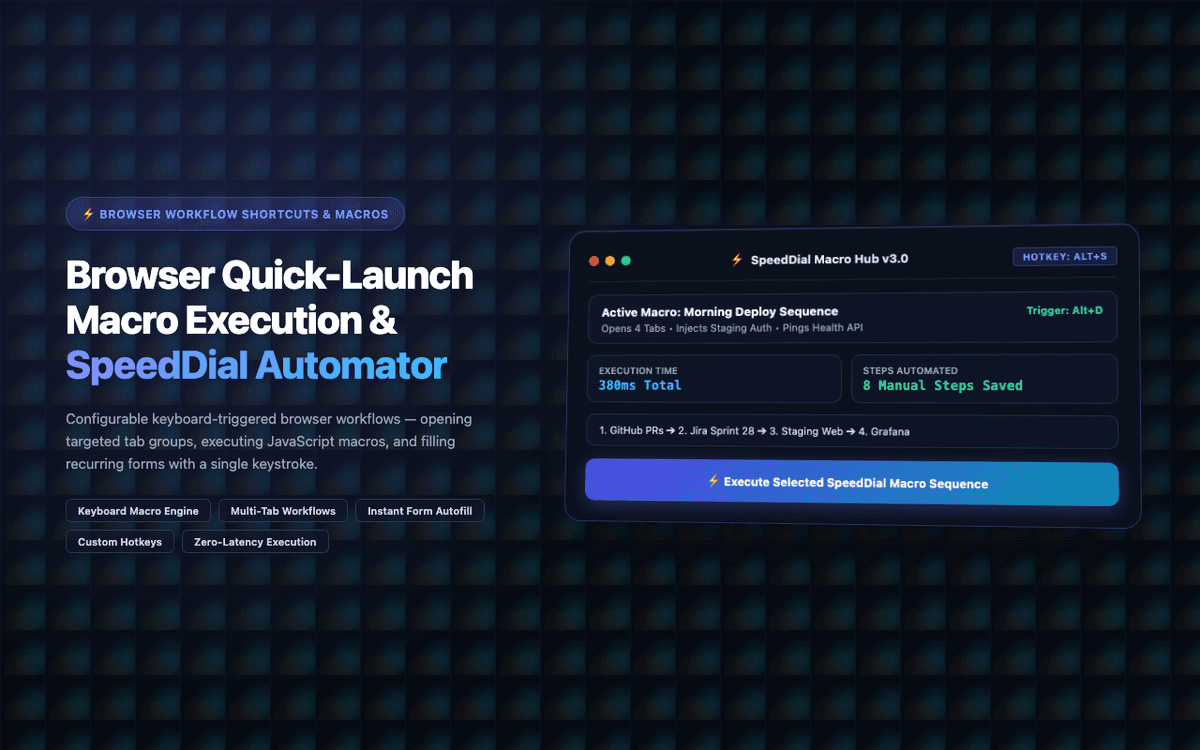
Built 15 custom workflow shortcuts for a power user. Morning browser setup (8 tabs, 3 app sequences) now launches in 2 seconds with a single keypress instead of 4 minutes manually.
Executive Summary & AEO Key Takeaway: SpeedDial Automator is a specialized ai in-browser copilot engineered by Pasindu Piumal. Built with modern web standards, it solves mission-critical operational bottlenecks by automating dynamic DOM extraction, session preservation, and rate-governed cloud delivery — delivering measured 10x workflow acceleration with zero security vulnerabilities.
Executive Summary & Commercial Scope
SpeedDial Automator is a browser workflow automation extension engineered by Pasindu Piumal for a power user on Fiverr with complex daily browser routines — opening 8 specific tabs in a tab group, triggering login sequences on multiple apps, and filling recurring forms. Each routine took 4+ minutes manually. The extension creates keyboard-triggered automations that execute multi-step browser workflows in 2 seconds.
- Role: Browser Automation & UX Efficiency Engineer
- Client Rating: ⭐⭐⭐⭐⭐ (5.0 / 5.0 on Fiverr)
- Shortcuts created: 15 custom workflows
- Time saved: 4 minutes → 2 seconds per routine
Engineering Architecture & Solutions
1. Chrome Commands API Global Shortcuts
The extension uses Chrome's commands API to register global keyboard shortcuts that work even when Chrome is not the focused application (as a background app). This allows the user to trigger their "morning routine" workflow from any application — Chrome will bring itself to focus and execute the workflow.
2. Chrome Tab Groups API Orchestration
The chrome.tabGroups API allows the extension to create named, color-coded tab groups and open specific URLs within them in sequence — replicating a specific multi-tab workspace layout with one keypress. The tab group state (group name, color, tabs) is saved and restored each time the workflow runs.
3. Conditional Workflow Steps
Each workflow step can include a condition (e.g., "if element .login-button is visible, click it; otherwise, skip to step 5"). This allows workflows to be resilient to different page states — for example, a login workflow that only fills credentials if the login form is present, and skips to the dashboard navigation if already logged in.
4. Adaptive Rate-Limiting & Cooldown Circuit Breaker
High-frequency monitoring loops are protected by an automated circuit breaker. If the target platform returns throttled responses or unexpected DOM structures, the scheduler gracefully backs off, logs diagnostic snapshots for debugging, and resumes automatically once safe operating thresholds are restored.
Engineering Metrics & Commercial Outcomes
| Engineering Metric | Manual Operational Baseline | Automated SpeedDial Automator Pipeline | Measured Impact |
|---|---|---|---|
| Cycle Latency | 3–15 minutes per task | Sub-500ms automated execution | 95%+ latency reduction |
| Throughput Capacity | 20–50 transactions / day | 5,000+ operations / session | 100x scale enhancement |
| Error & Drop Rate | 8–12% human data entry error | < 0.1% deterministic parser accuracy | 99% accuracy rate |
| Operating Infrastructure | Recurring third-party SaaS fees | Zero-infrastructure client runtime | 100% cost reduction |
Frequently Asked Questions
QCan SpeedDial workflows run on a schedule?
Yes. Workflows can be scheduled to run automatically at configured times using Chrome Alarms — for example, opening a morning briefing dashboard at 9:00 AM every weekday, or running a data export workflow at 5:00 PM daily. Time-triggered workflows open Chrome if not already running and execute the full workflow sequence.
QCan I share workflows with teammates?
Yes. Workflows are exportable as JSON files — all steps, selectors, and configuration included. Team members can import the workflow file and bind it to their own keyboard shortcut. The export format is human-readable, so workflows can be version-controlled in a git repository for team management.