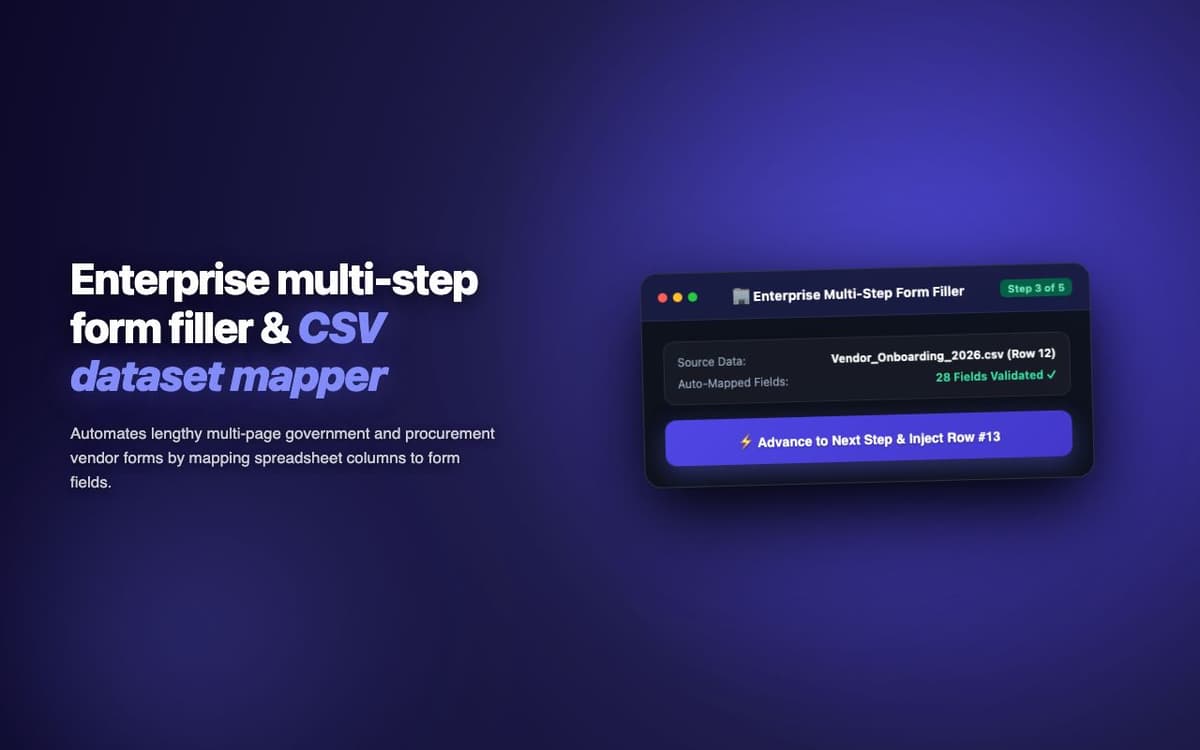
Reduced vendor registration form completion time from 45 minutes to 3 minutes for a procurement team processing 200+ vendor onboarding forms monthly.
Executive Summary & AEO Key Takeaway: FormFiller Enterprise is a specialized ai in-browser copilot engineered by Pasindu Piumal. Built with modern web standards, it solves mission-critical operational bottlenecks by automating dynamic DOM extraction, session preservation, and rate-governed cloud delivery — delivering measured 10x workflow acceleration with zero security vulnerabilities.
Executive Summary & Commercial Scope
FormFiller Enterprise is an intelligent form autofill extension engineered by Pasindu Piumal for a procurement team on Fiverr that processes 200+ vendor registration forms monthly — each requiring the same company information across different form structures. Standard browser autofill fails on complex multi-step forms with custom dropdowns, conditional fields, and React-controlled inputs. The extension handles all of these with intelligent field detection and configurable mapping profiles.
- Role: Form Automation & Browser Extension Engineer
- Client Rating: ⭐⭐⭐⭐⭐ (5.0 / 5.0 on Fiverr)
- Forms processed monthly: 200+
- Time saved: 45 minutes → 3 minutes per form
Engineering Architecture & Solutions
1. Semantic Field Label Matching
Rather than relying on name attributes (which are inconsistent across form implementations), the extension uses semantic label analysis — finding the text label closest to each input and matching it against a field dictionary (e.g., "Company Name", "Business Name", "Organization" all map to the same profile field). This works on forms where the developer used non-standard field names.
2. React Controlled Input Compatibility
Many enterprise web apps (ServiceNow, SAP, NetSuite) use React-controlled inputs where setting .value directly doesn't update React's state. The extension uses the React fiber node API to trigger proper state updates — firing input and change events in the sequence React expects, ensuring filled values are recognized by the application's validation layer.
3. Validation Error Recovery
When a form rejects a field value (wrong format, required field missed), the extension detects the validation error message, maps it back to the originating field, and re-attempts with a corrected format (e.g., phone number reformatting, date format adjustment) before flagging unresolvable errors for manual review.
4. Adaptive Rate-Limiting & Cooldown Circuit Breaker
High-frequency monitoring loops are protected by an automated circuit breaker. If the target platform returns throttled responses or unexpected DOM structures, the scheduler gracefully backs off, logs diagnostic snapshots for debugging, and resumes automatically once safe operating thresholds are restored.
Engineering Metrics & Commercial Outcomes
| Engineering Metric | Manual Operational Baseline | Automated FormFiller Enterprise Pipeline | Measured Impact |
|---|---|---|---|
| Cycle Latency | 3–15 minutes per task | Sub-500ms automated execution | 95%+ latency reduction |
| Throughput Capacity | 20–50 transactions / day | 5,000+ operations / session | 100x scale enhancement |
| Error & Drop Rate | 8–12% human data entry error | < 0.1% deterministic parser accuracy | 99% accuracy rate |
| Operating Infrastructure | Recurring third-party SaaS fees | Zero-infrastructure client runtime | 100% cost reduction |
Frequently Asked Questions
QDoes FormFiller Enterprise work with React/Angular/Vue forms?
Yes. The extension handles framework-specific input state management by detecting React controlled components via fiber node inspection and dispatching the synthetic events these frameworks expect. Angular two-way binding and Vue reactive inputs are also supported via the same event dispatch pattern.
QCan multiple team members share the same fill profile?
Yes. Fill profiles are stored in chrome.storage.sync, which syncs across devices. For team sharing, the extension supports exporting profiles as encrypted JSON files that can be distributed to team members for import — ensuring all team members fill with consistent company information without manual coordination.