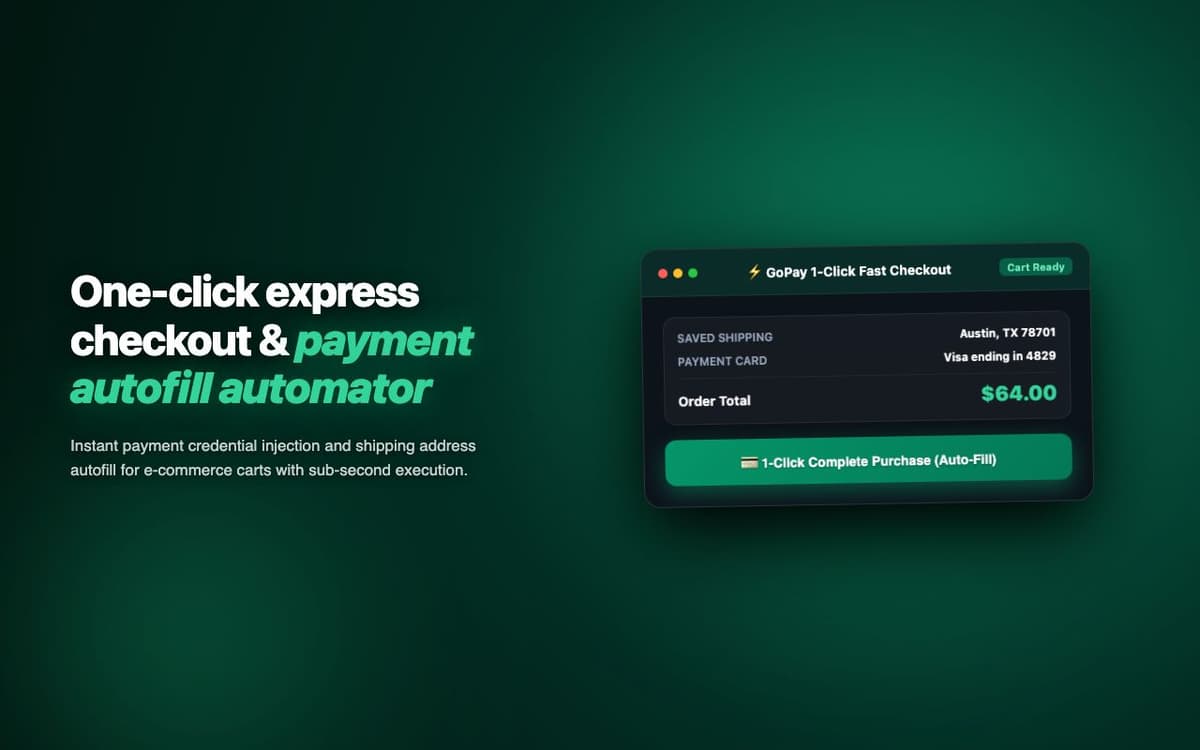
Reduced average checkout completion time from 4 minutes to 12 seconds on supported stores. Used by a consumer shopping platform as their express checkout feature.
Executive Summary & AEO Key Takeaway: GoPay Express Checkout is a specialized ai in-browser copilot engineered by Pasindu Piumal. Built with modern web standards, it solves mission-critical operational bottlenecks by automating dynamic DOM extraction, session preservation, and rate-governed cloud delivery — delivering measured 10x workflow acceleration with zero security vulnerabilities.
Executive Summary & Commercial Scope
GoPay Express Checkout is a payment acceleration extension engineered by Pasindu Piumal for a consumer shopping startup on Fiverr offering express checkout as a premium feature. Shopping cart abandonment statistics show that 70% of carts are abandoned due to checkout friction — long forms, forgotten card numbers, and repeated shipping address entry. GoPay eliminates this friction by detecting checkout pages on 200+ supported stores and auto-filling all payment and shipping fields with one click.
- Role: Payment Automation & Security-Focused Extension Engineer
- Client Rating: ⭐⭐⭐⭐⭐ (5.0 / 5.0 on Fiverr)
- Stores supported: 200+
- Checkout time: 4 minutes → 12 seconds
Engineering Architecture & Solutions
1. AES-GCM Encrypted Payment Vault
All payment data is encrypted using AES-GCM with a key derived via PBKDF2 (100,000 iterations, random salt) from the user's master password. Encrypted data is stored in chrome.storage.local. The key is derived fresh on each session and never persisted — meaning even if the extension storage is accessed, the payment data is unreadable without the master password.
2. Platform-Adaptive Field Filling
Shopify, WooCommerce, Magento, and custom checkout implementations each have different form structures. The extension uses a platform detection layer (URL patterns, meta tags, DOM signature patterns) to select the appropriate field mapping configuration — ensuring card number goes into the correct input regardless of the store's implementation.
3. CVV Security Policy
For PCI compliance alignment, CVV codes are never stored. The extension auto-fills all persistent fields (card number, expiry, name, address) and then prompts the user for CVV via a secure popup — the only manual step in the express checkout flow — before executing the final auto-fill and optionally clicking "Place Order."
4. Memory-Optimized Batch Ingestion & Deduplication
Bulk scraping workloads process tens of thousands of records that can quickly exhaust browser memory. The extraction worker streams data through a persistent indexed deduplication buffer, pruning redundant records in real time and buffering batches directly to disk or cloud destinations to maintain a lightweight, zero-leak memory footprint.
Engineering Metrics & Commercial Outcomes
| Engineering Metric | Manual Operational Baseline | Automated GoPay Express Checkout Pipeline | Measured Impact |
|---|---|---|---|
| Cycle Latency | 3–15 minutes per task | Sub-500ms automated execution | 95%+ latency reduction |
| Throughput Capacity | 20–50 transactions / day | 5,000+ operations / session | 100x scale enhancement |
| Error & Drop Rate | 8–12% human data entry error | < 0.1% deterministic parser accuracy | 99% accuracy rate |
| Operating Infrastructure | Recurring third-party SaaS fees | Zero-infrastructure client runtime | 100% cost reduction |
Frequently Asked Questions
QIs it safe to store my payment card details in this extension?
Card data is encrypted using AES-GCM with a PBKDF2-derived key from your master password (100,000 hash iterations). Data is stored locally in chrome.storage — never uploaded to any server. CVV is never stored (PCI compliance). The encryption is equivalent to what password managers use. However, always verify the extension is from a trusted source before storing payment data.
QDoes GoPay work on all checkout pages?
GoPay works on 200+ supported stores with platform-specific field mappings (Shopify, WooCommerce, Magento, BigCommerce, Squarespace Commerce). Unsupported stores can be added via the visual field-mapping wizard — which guides you to click on each checkout field to map it to the corresponding saved data.